
Free shipping -22% 
Starlight lasers X11081× sold
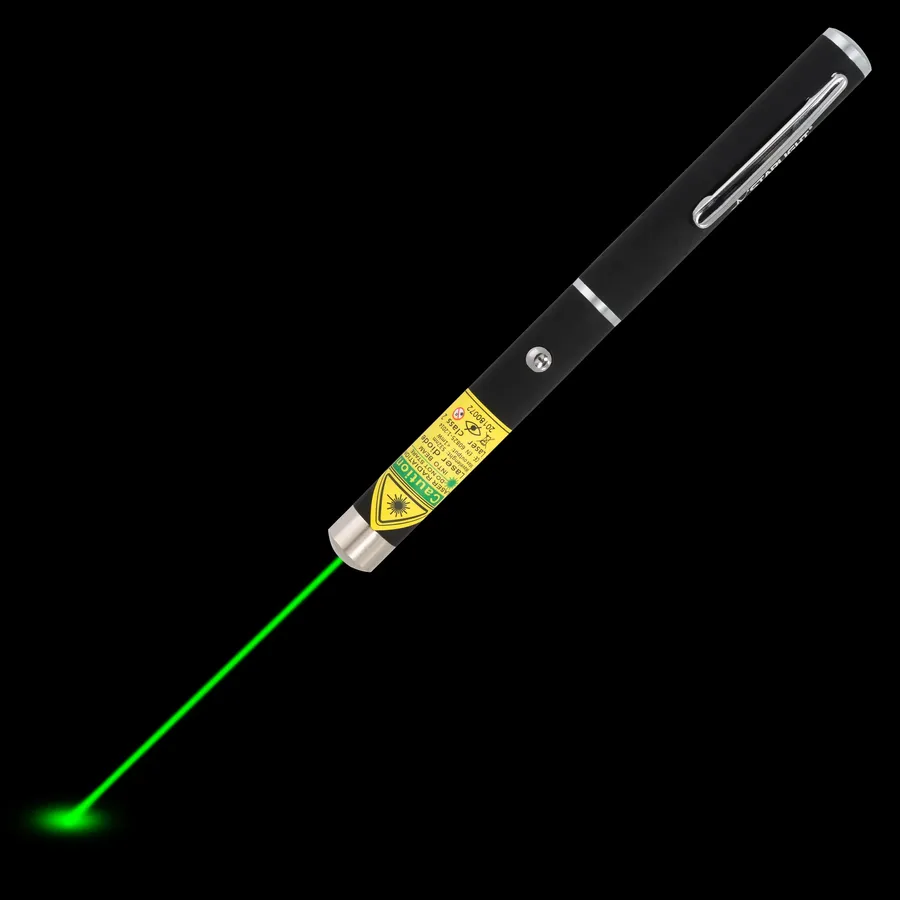
X1 Green Laser Pointer Pen
- Green 532 nm
- 1 mW
- 2× AAA
€44.95€34.95
In stock
A good laser pointer for presentations lets you stay with your audience instead of turning to the screen. Here is how to choose the right colour and model, and how to point so people actually follow.
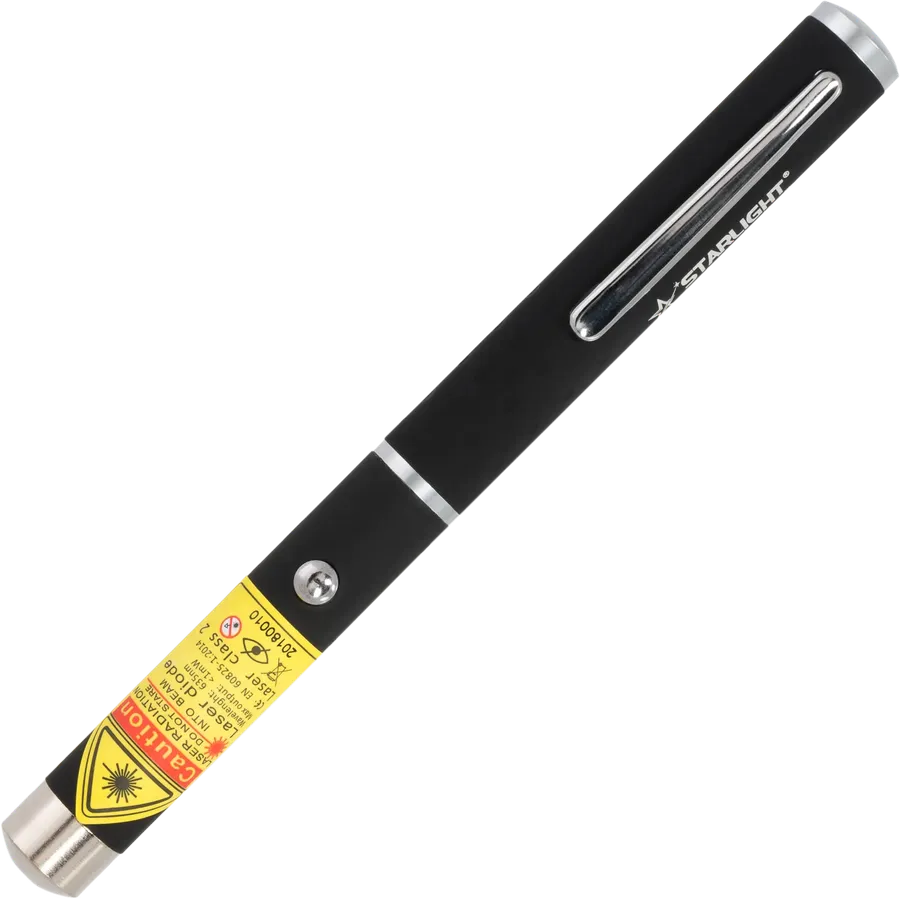
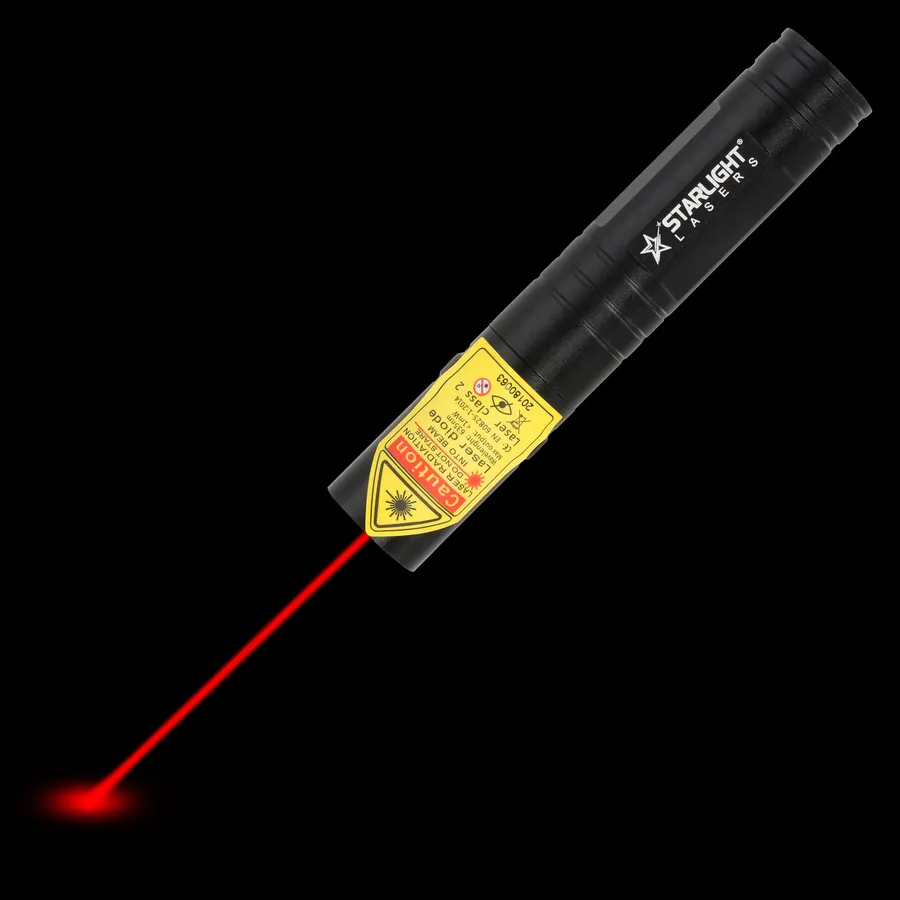
The classic red laser pointer pen for slides and whiteboards
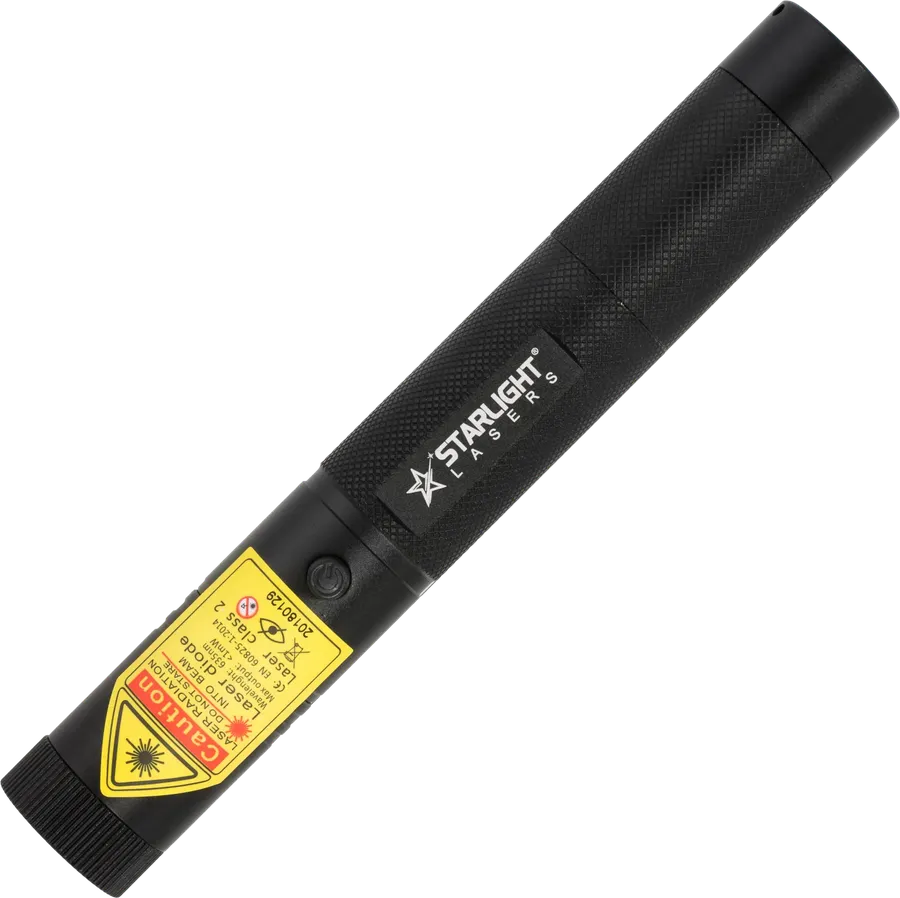
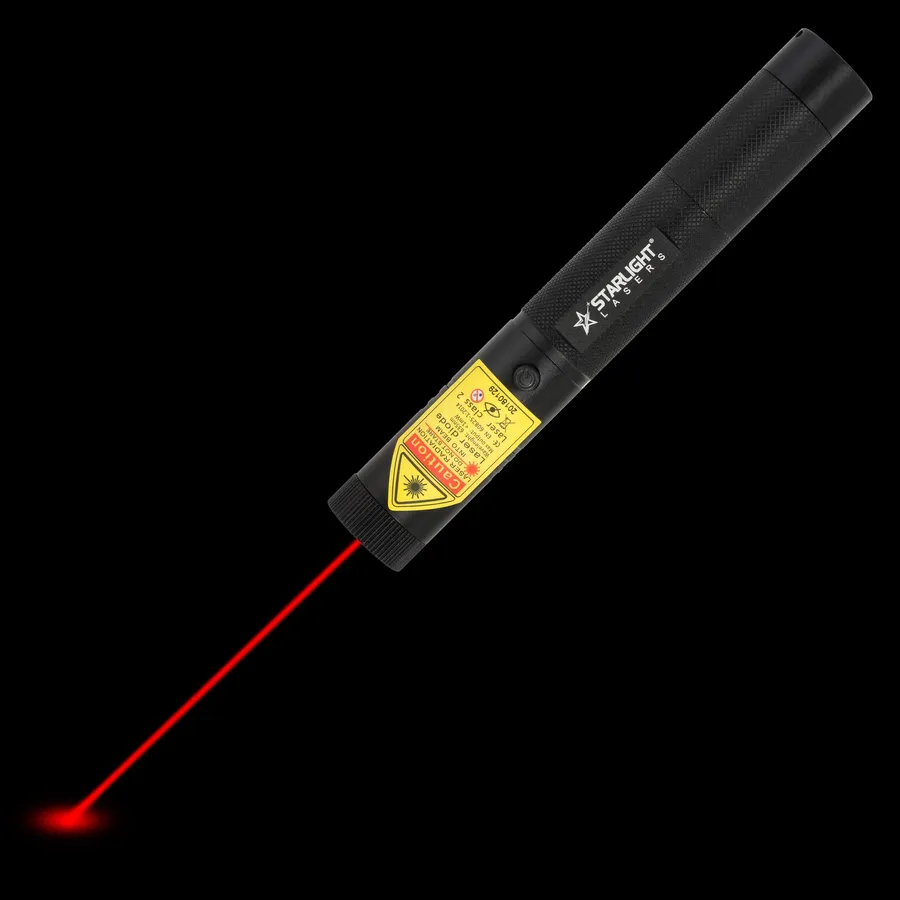
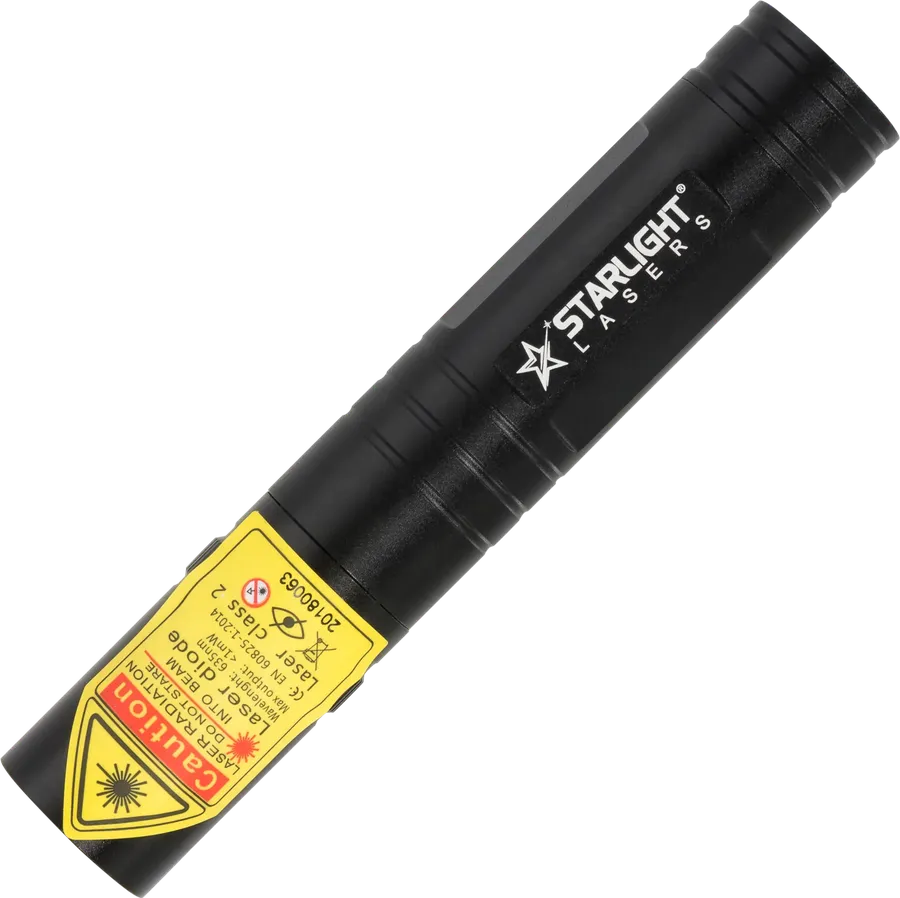


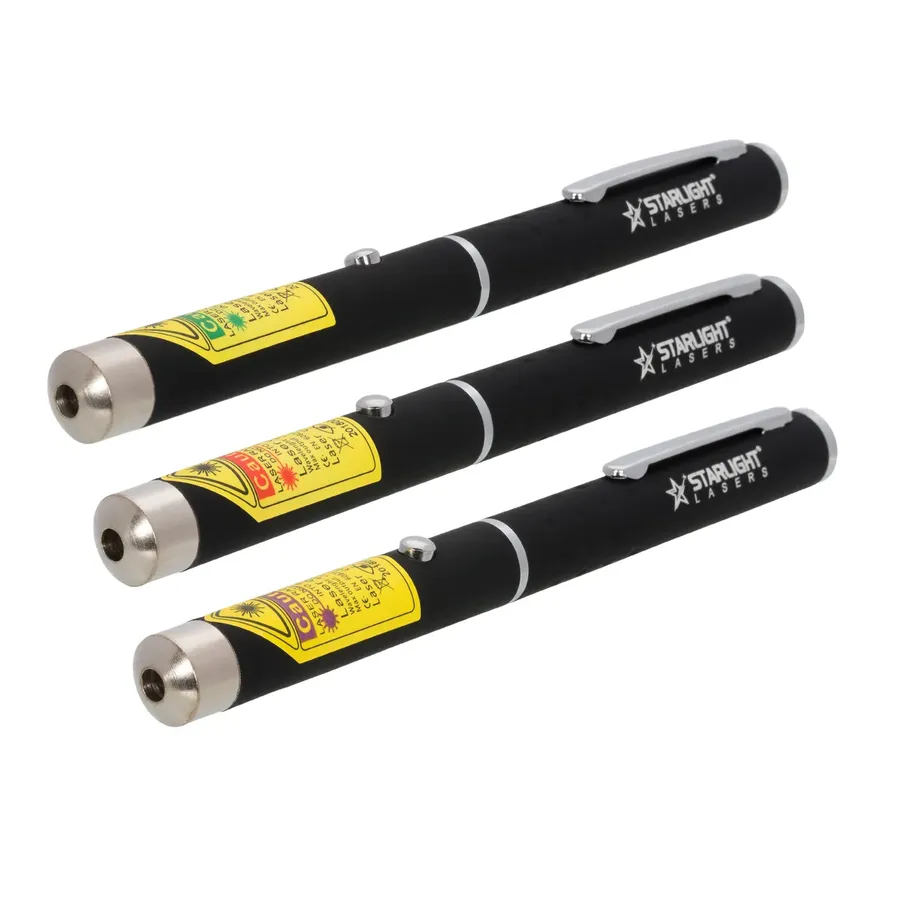
Three laser pointer pens, three colours, one order
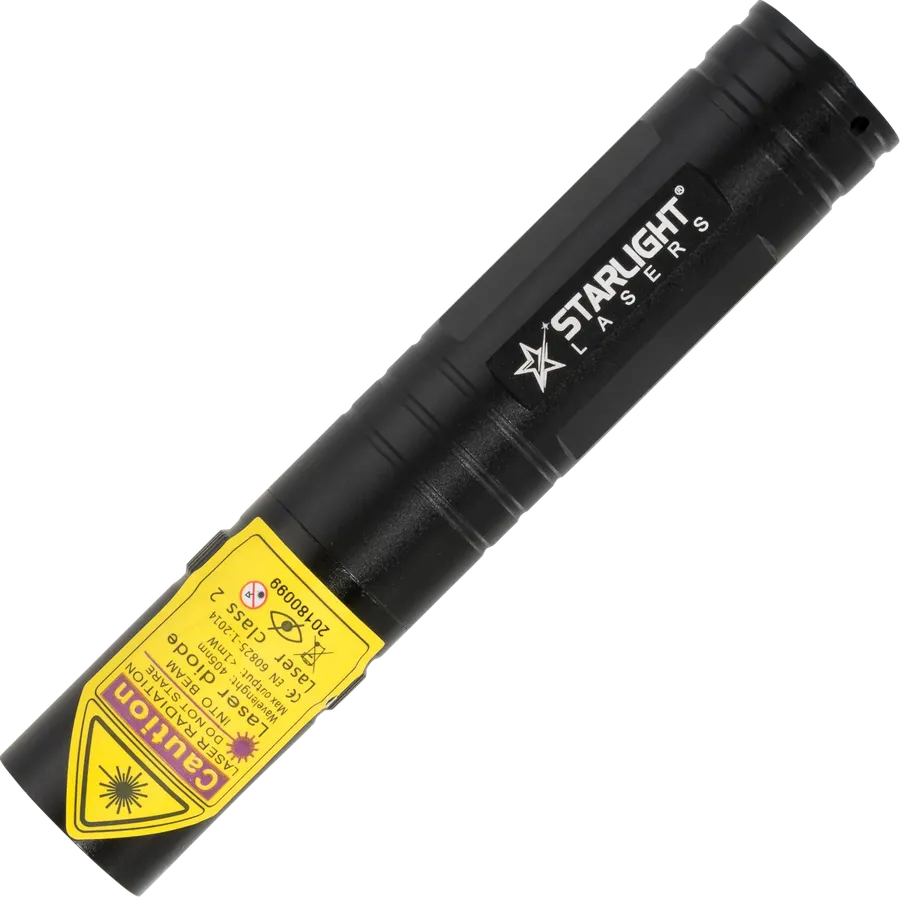
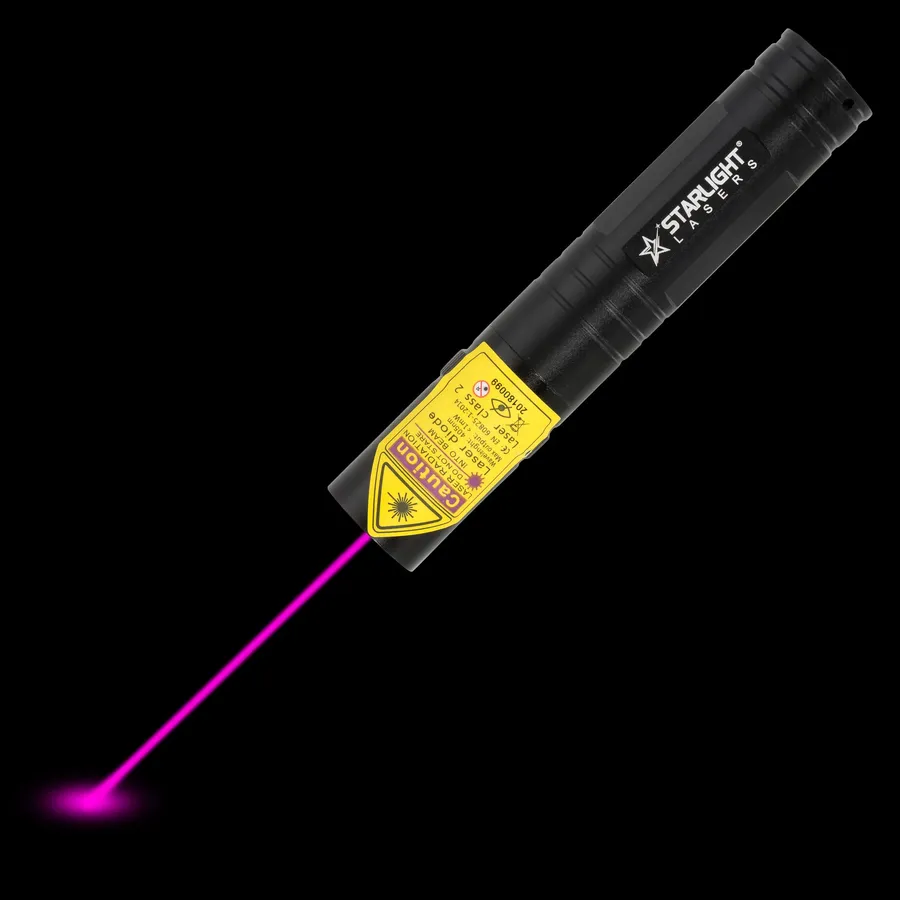
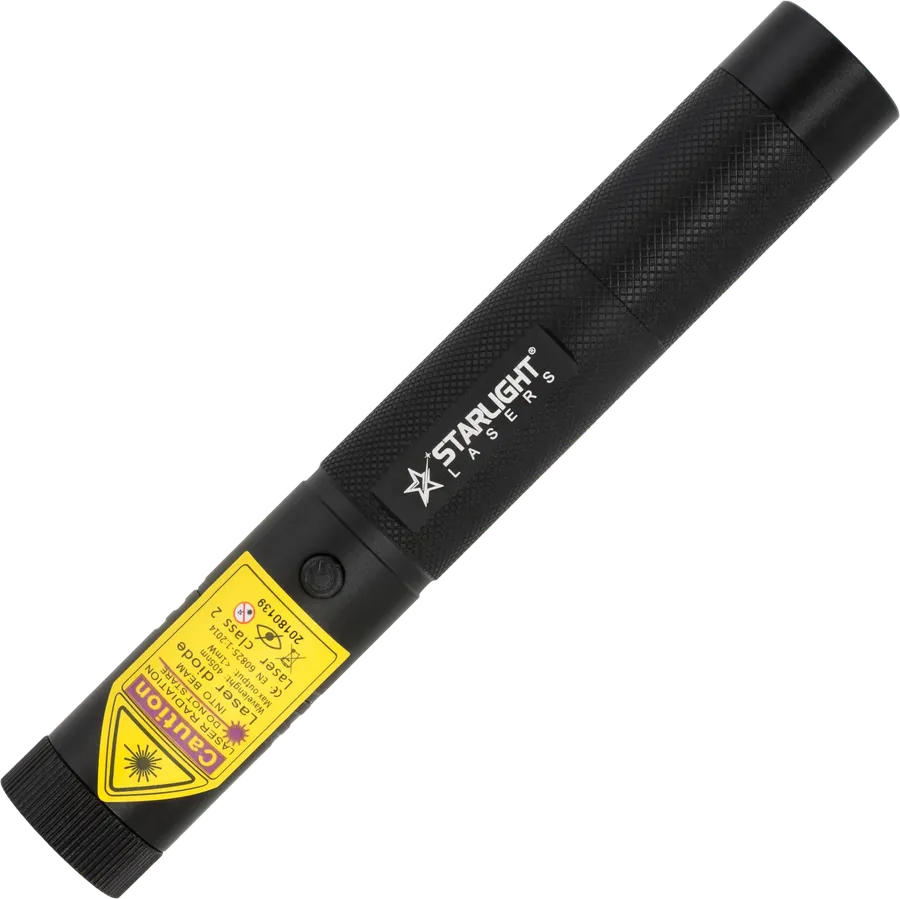
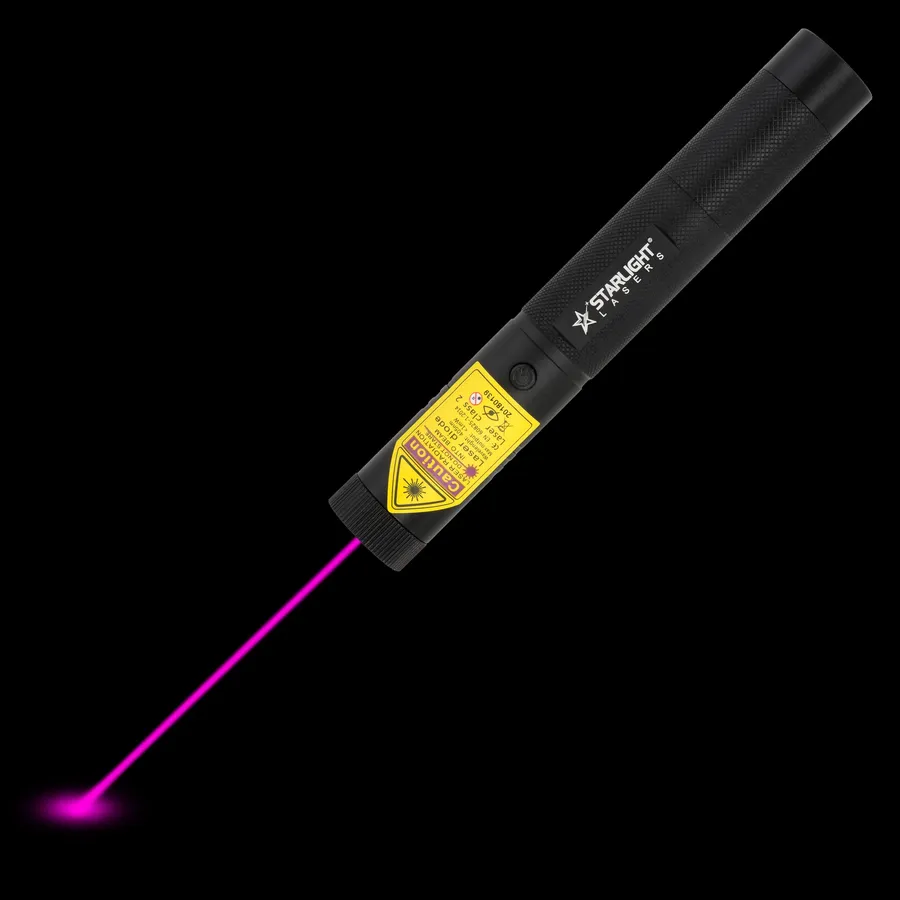

Three full-size rechargeable Pro lasers in green, red and violet
Three things: a dot that is easy to see on the screen, a shape that sits comfortably in your hand, and power you can rely on when the session starts. Everything else is detail. Our pointers are all class 2 with max. 1 mW, which is plenty for any lecture theatre, boardroom or classroom in the country.
Red is the traditional choice and works well on most projector screens in normal rooms. It is calm and does not overpower the slide. Green looks much brighter to the eye, so it is easier to follow in large halls, with very bright projectors or on big LED walls. Many presenters keep red for small rooms and green for auditoriums. Violet is not a good choice for slides: it looks faint on a screen.
If you present now and then, a laser pointer pen such as the M1 red or X1 green is ideal: slim, a pocket clip, two AAA batteries included. If you present every day, the rechargeable R1 Pro avoids buying batteries and can be locked with its safety key in a shared staffroom. Travelling between sites? The compact R2 Pro or G2 Pro fits a small bag.
| Situation | Suggestion |
|---|---|
| Meeting room, occasional use | M1 red pen |
| Large lecture hall | X1 green pen or G3 Pro |
| Daily teaching, shared kit | R1 Pro with key lock |
| On the road | R2 Pro compact |
Our lasers are dedicated laser pointers; they do not change slides. Many speakers combine a simple clicker with a separate pointer because a pure pointer is smaller and simpler to aim. Compare models side by side in the compare tool, or browse the red laser pointer range. Safety basics are on laser pointer safety.
In a secondary school classroom, the distance to the board is rarely more than eight or nine metres, so any of our pointers will do; the question is mostly whether the laser is shared. If it lives in a staffroom drawer, the key lock of the R1 Pro is a sensible extra. In third-level lecture theatres, with screens several metres wide and students forty rows back, green is easier to follow and the X1 keeps things slim. For hybrid sessions, remember that a laser dot rarely shows up well on a camera feed of a screen: for remote viewers, use the cursor or annotation tools of your presentation software and keep the laser for the people in the room.
Not the biscuit kind, just small files that make the shop easier to use and help us improve it. We never sell your data. You choose what you allow. Privacy policy
AI assistant: can make mistakes. Prefer a person? Just ask.